

Welcome to
WatchDog
the alarm for
and everyone who needs a break.
We all know the problem…
Take the break. Your laptop barks back.
The alarm that screams and pings your iPhone
when someone grabs your Mac.
Free month · Signed and notarized by Apple · macOS 14+


How to use
WatchDog.
Arm it before you step away.
One tap and the dog is on duty.
Go do your thing.
Get your coffee, take the call, go to the bathroom. WatchDog keeps an eye on the table, you don't have to.
Come back and disarm.
You sit back down, WatchDog stands down.
Story.
Why the dog barks.
Once upon a time, in a German library, there lived a student. He was not allowed to bring a coffee inside. So every time he wanted one, he packed up his laptop and gave up his seat.
The whole storyWorks on your Mac alone
Arm it on the Mac and disarm it with your PIN. No phone needed.
The alarm needs no internet
Only the alert to your iPhone needs a connection.
Nothing is recorded
It notices movement with the Mac's camera. No picture ever leaves your Mac.
Arm it before you step away.
One tap and the dog is on duty. Arm it with your PIN or from your iPhone with WatchDog Key.
How to use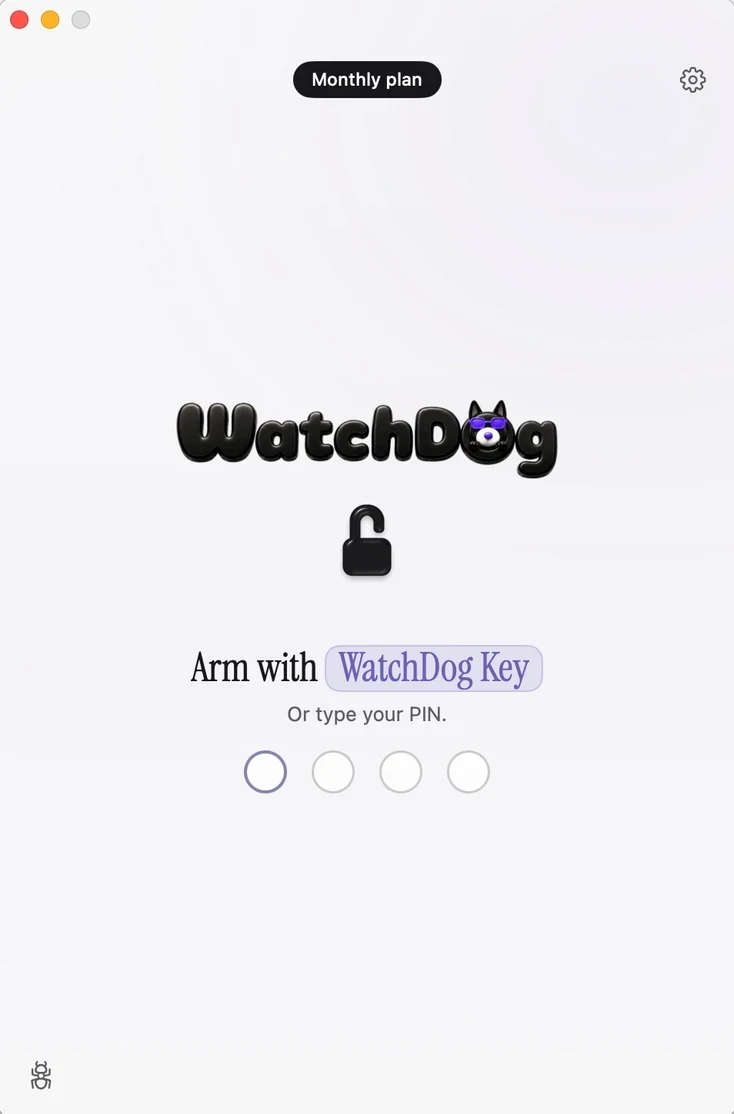

If someone moves your Mac, it screams.
It locks the screen, blocks a normal shutdown and pings your iPhone. The alarm needs no internet.
Your iPhone gets the alert.
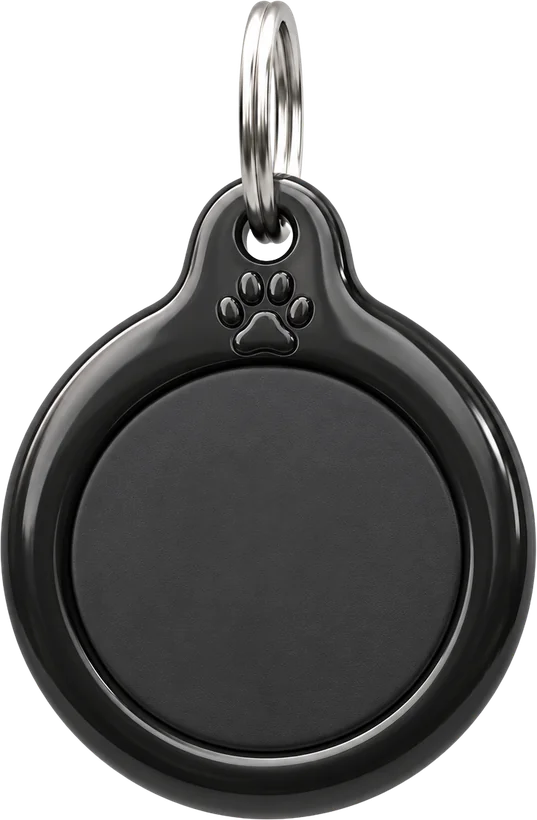
WatchDog Key comes at no extra cost. It arms, disarms and knows when you are close.
Do I need an iPhone?
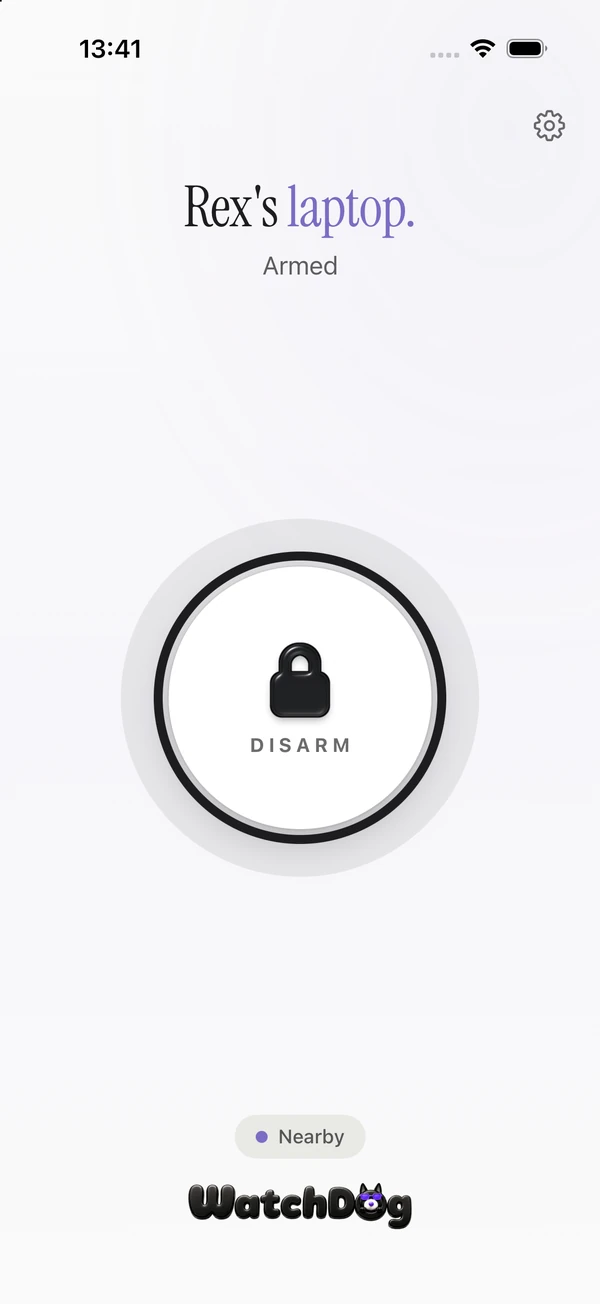

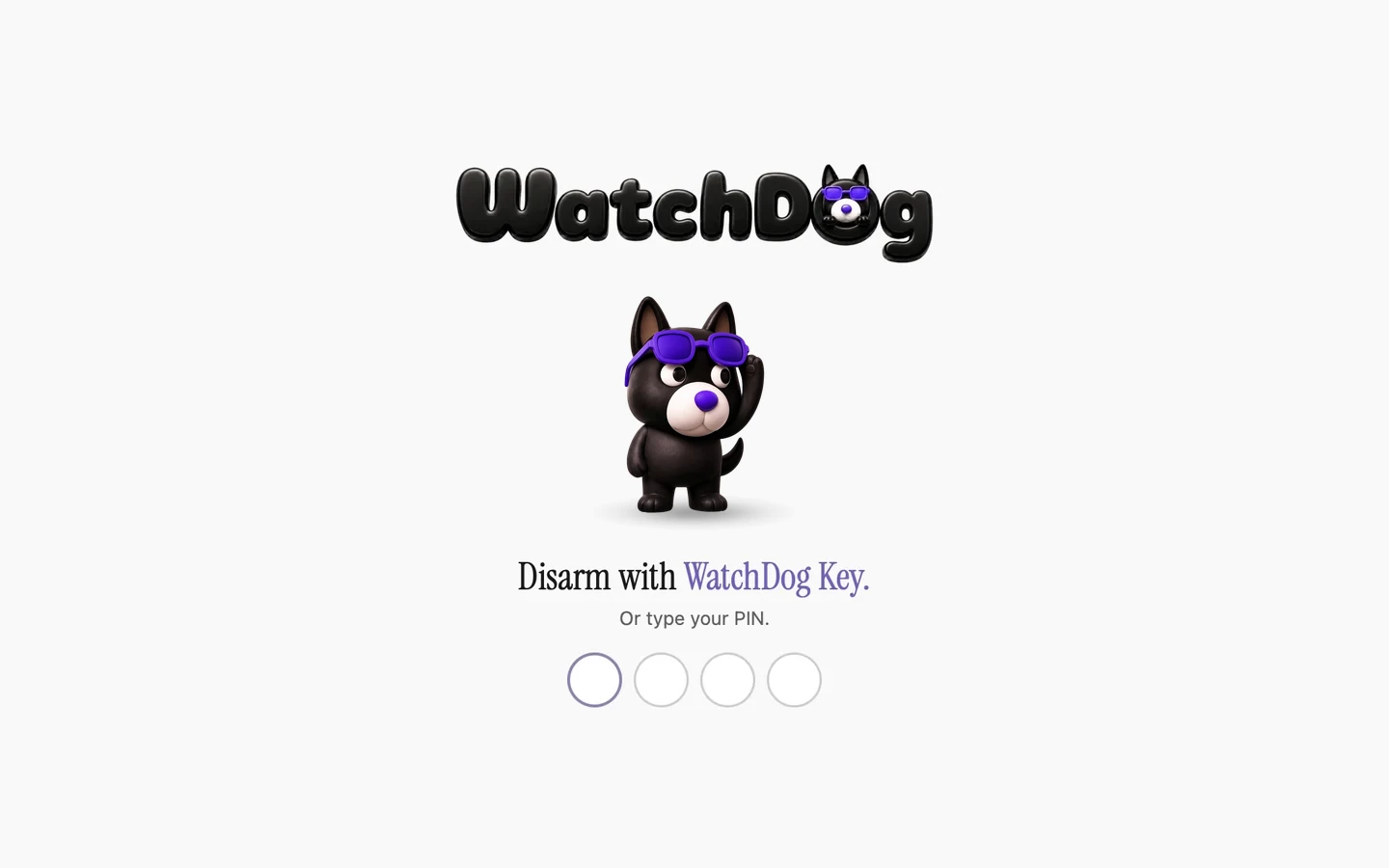
Come back and disarm.
You sit back down, WatchDog stands down. Your PIN on the Mac or one tap on your iPhone.
Founding price
Less than your monthly coffee.
First month free.
You only pay if you stay.
- • Loud alarm the second it moves
- • Instant iPhone alerts
- • The alarm works without Wi-Fi
- • Locks the screen and blocks normal shutdown